buzzfeed Press
38 "Hidden Features" On Everyday Items You Probably Already Own, But Didn't Know About
Images
1 / 20
2 / 20
3 / 20
4 / 20
5 / 20
6 / 20
7 / 20
8 / 20
9 / 20
10 / 20
11 / 20
12 / 20
13 / 20
14 / 20
15 / 20
16 / 20

17 / 20
18 / 20
19 / 20
20 / 20
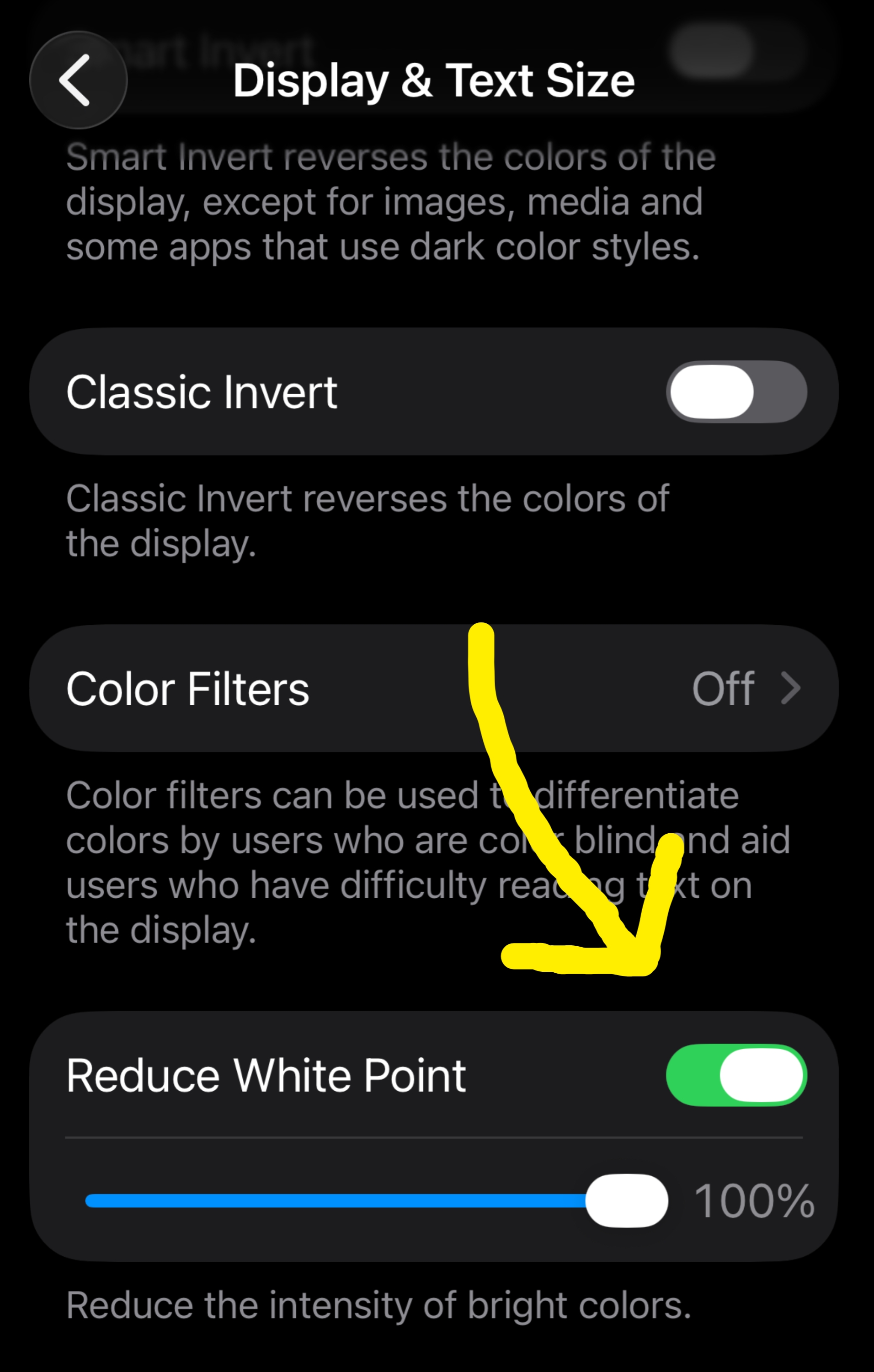
I had no idea there was an "ultra dark mode" on my phone!

Angelica Martinez is the Latine Editorial Lead at BuzzFeed and covers a little bit of everything, from quizzes and true crime to celebrities and pop culture.

Examples have been sourced from these three (1, 2, 3) threads, as well as submissions by members of the BuzzFeed community.

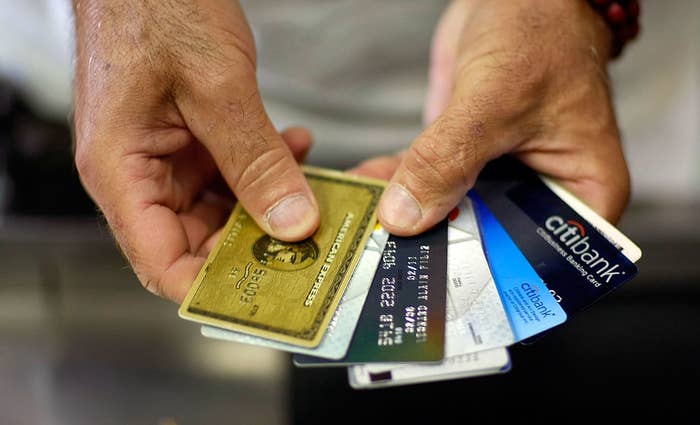
"Most also have limited medical insurance for travelers. For me, its like up to $75,000 USD, for example. There are many, many benefits."

You can find a list of Visa benefits here and Mastercard ones here.

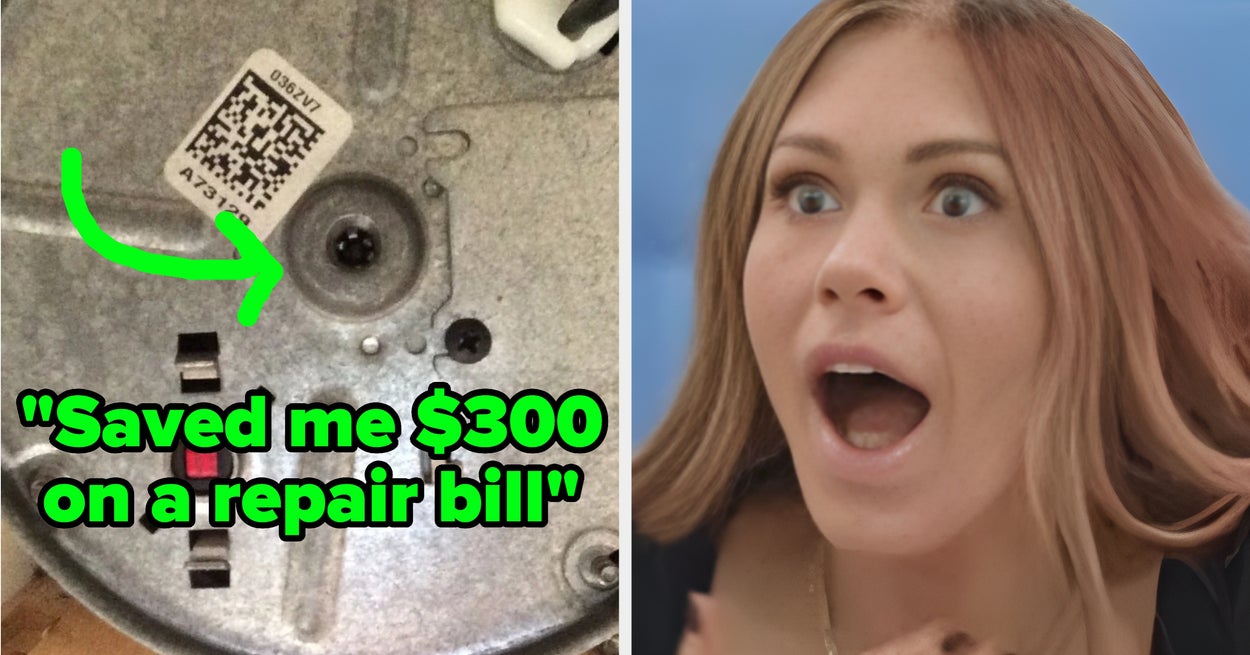
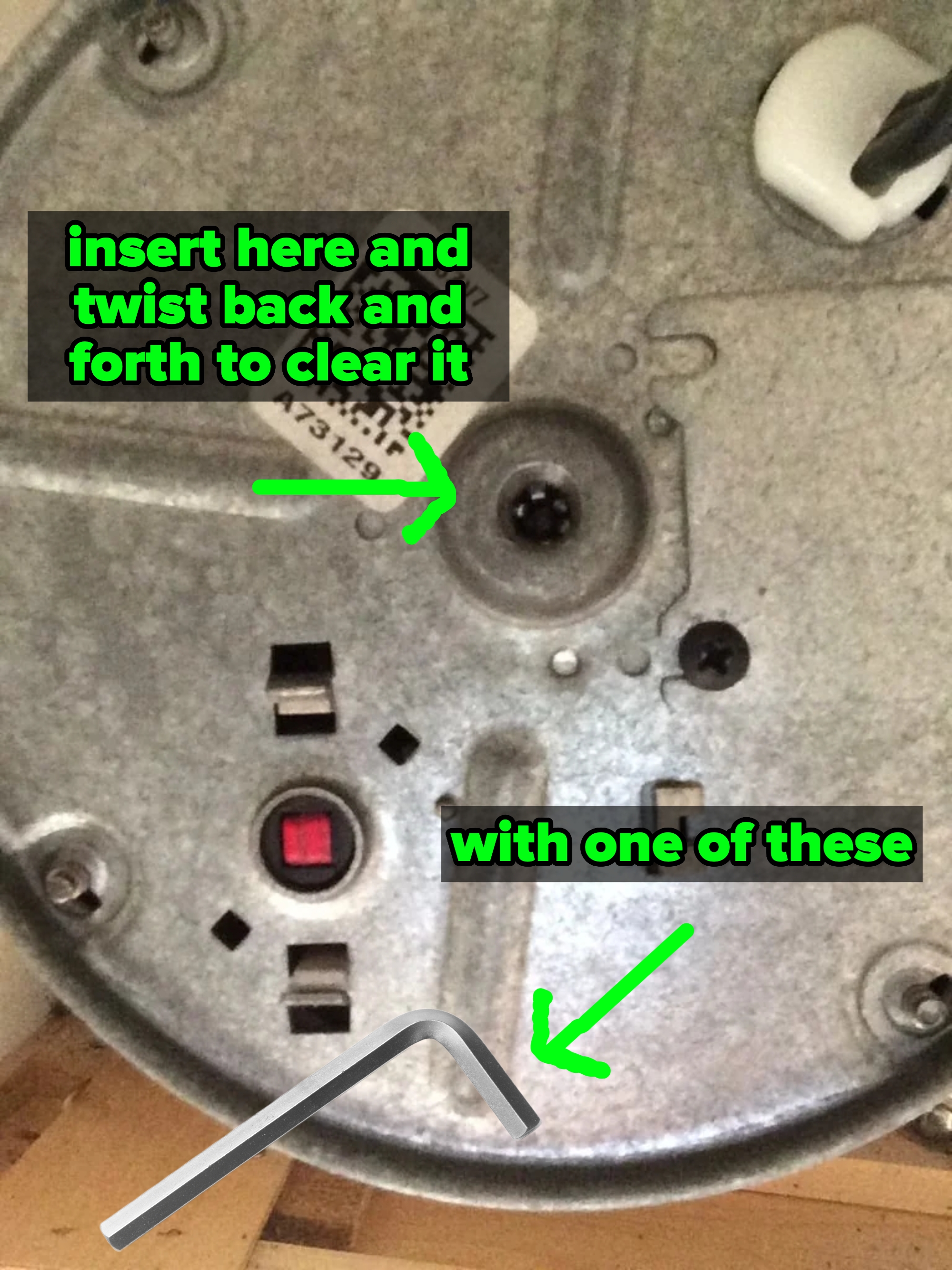
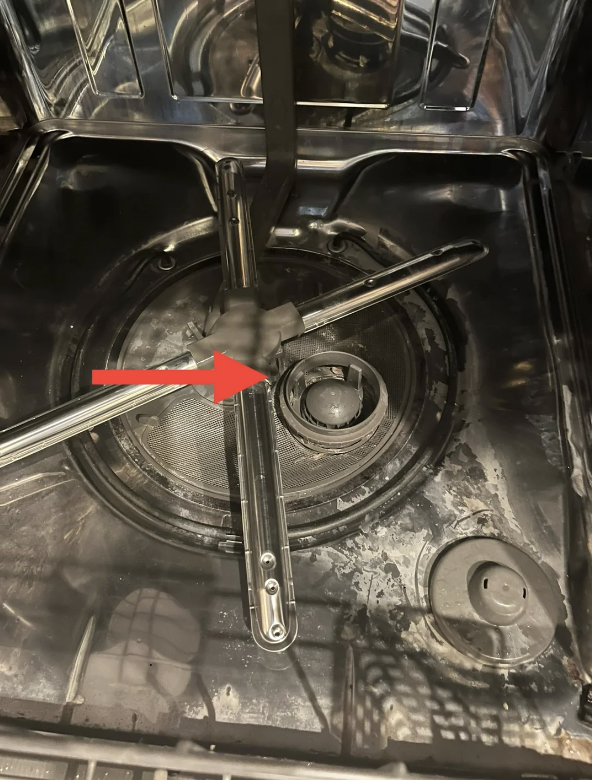
"Saved me $300 on a repair bill by buying a $4 dollar tool."

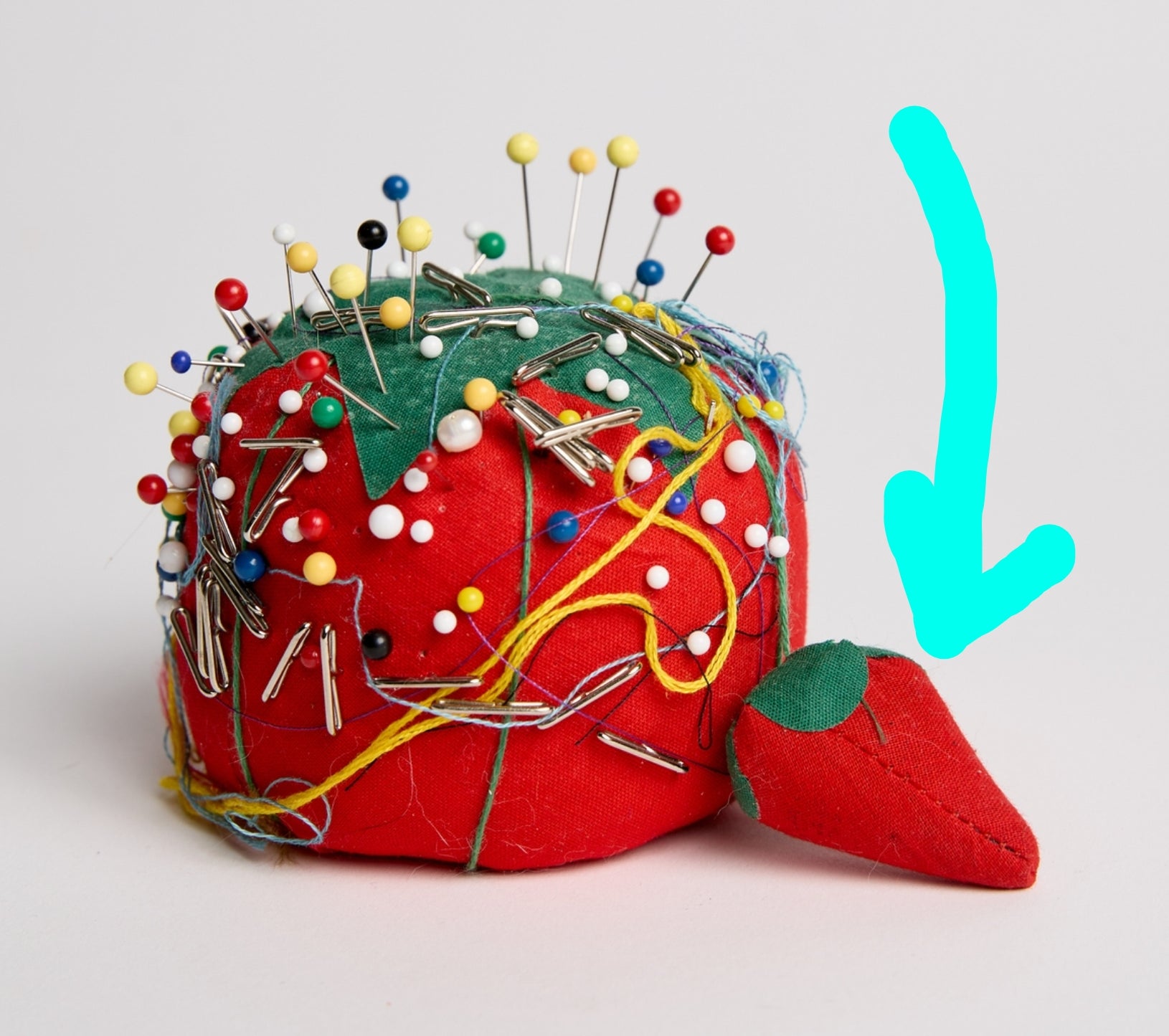
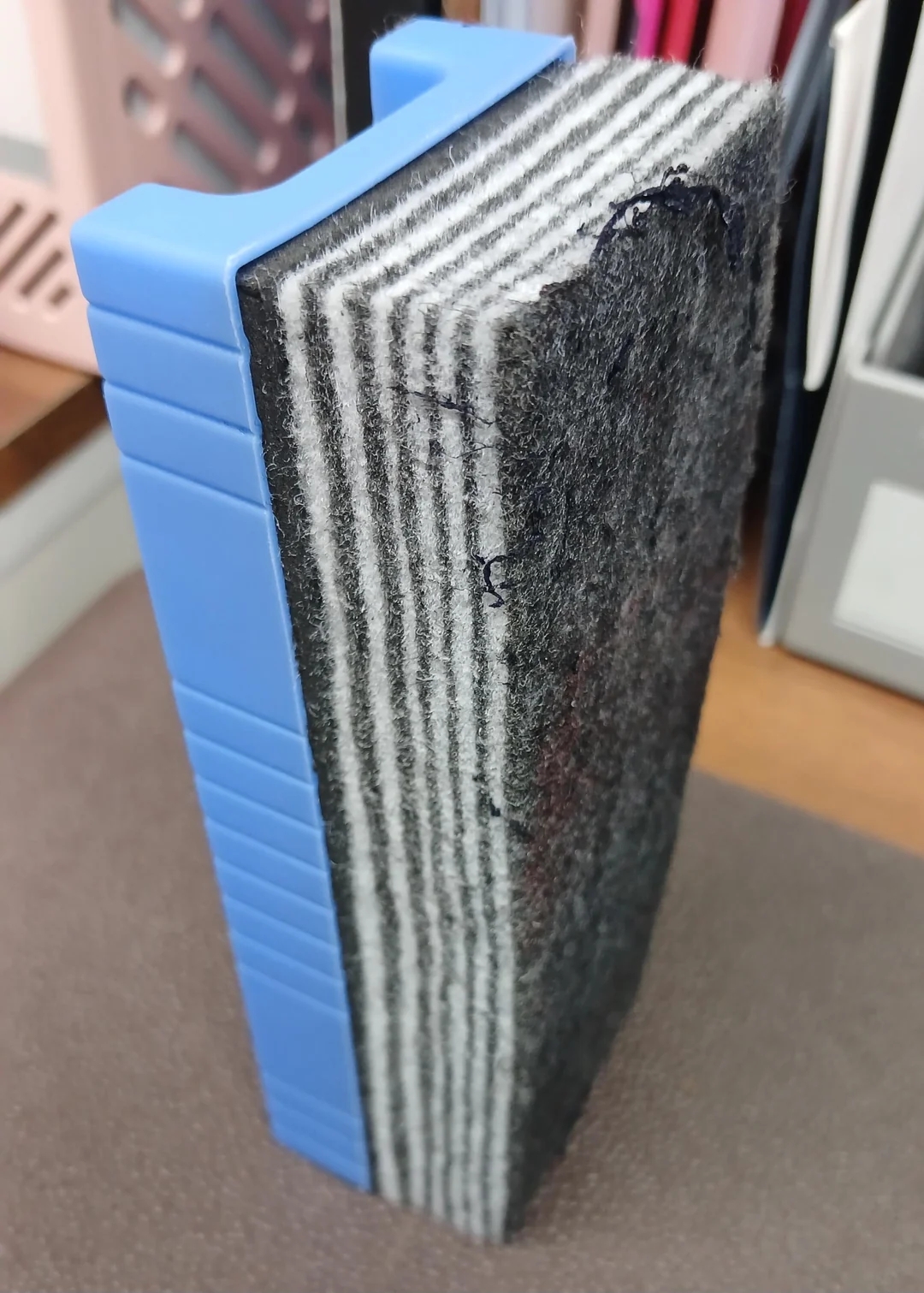
"Generally, you’ll see the layers in alternating dark/light colors if they do the whole peel-to-a-new-layer thing."

"You can even make this process a shortcut so you don't have to do it manually every time. To do so, go to Settings > Accessibility > Accessibility Shortcut. Select Reduce White Point. Now, you can swap between normal display and ultra dark mode by triple pressing the power button. You’re welcome."

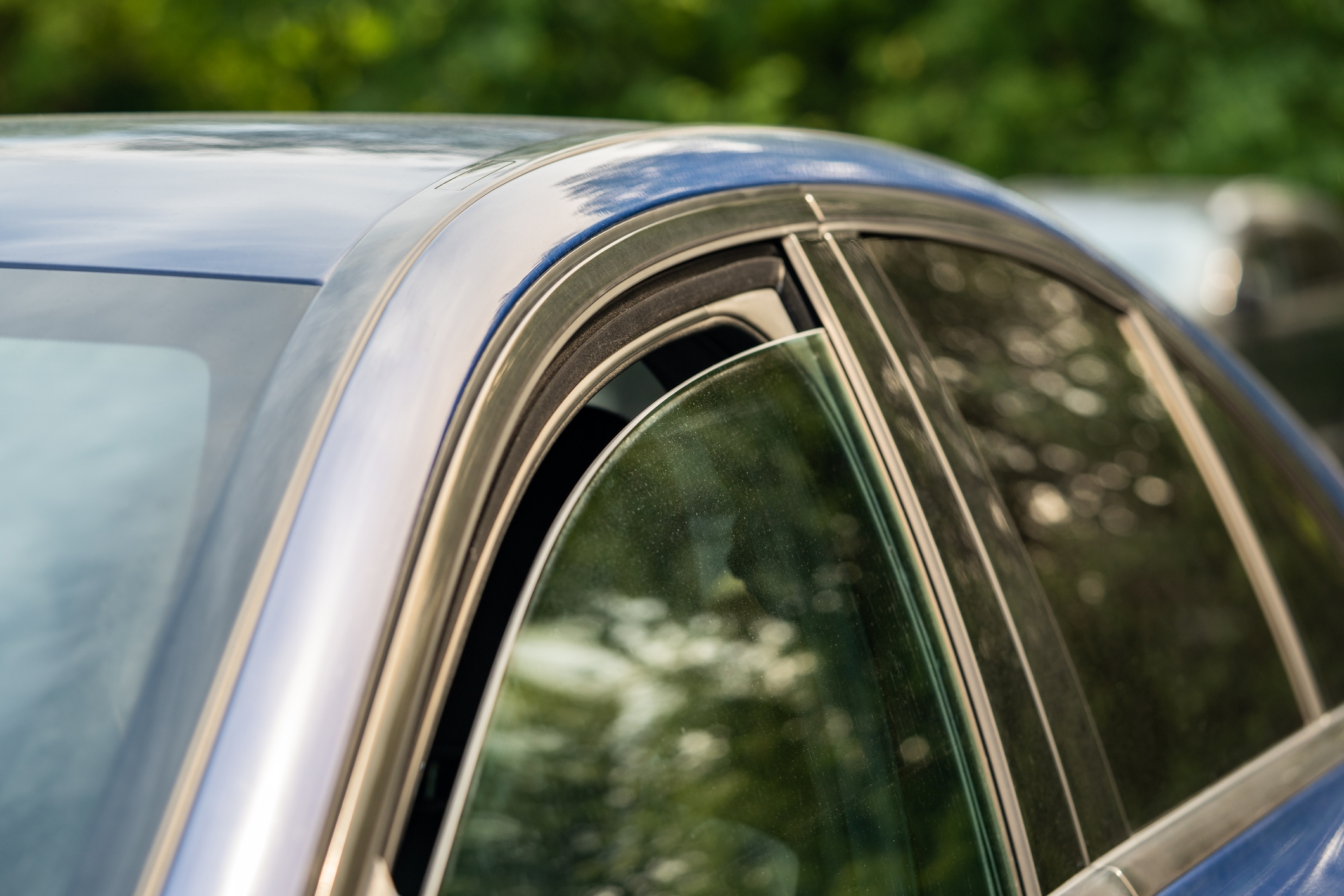
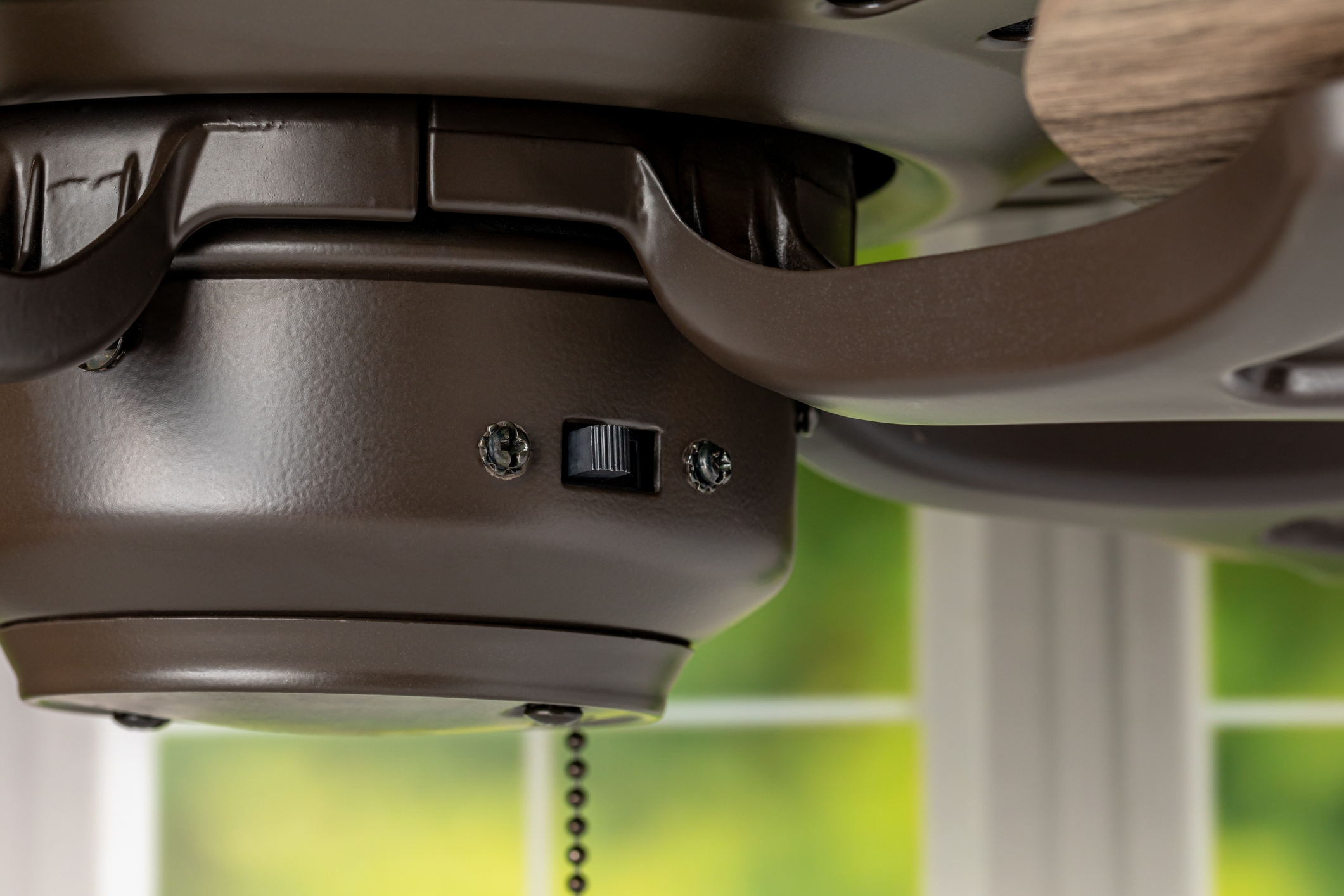
"Clean the fan blades before changing the direction. As the fan spins, dust accumulates along the leading edge. When you reverse the direction, all the dust will now be on the trailing edge and get blown off, leading to large globs of gross gunk being flung around the room."

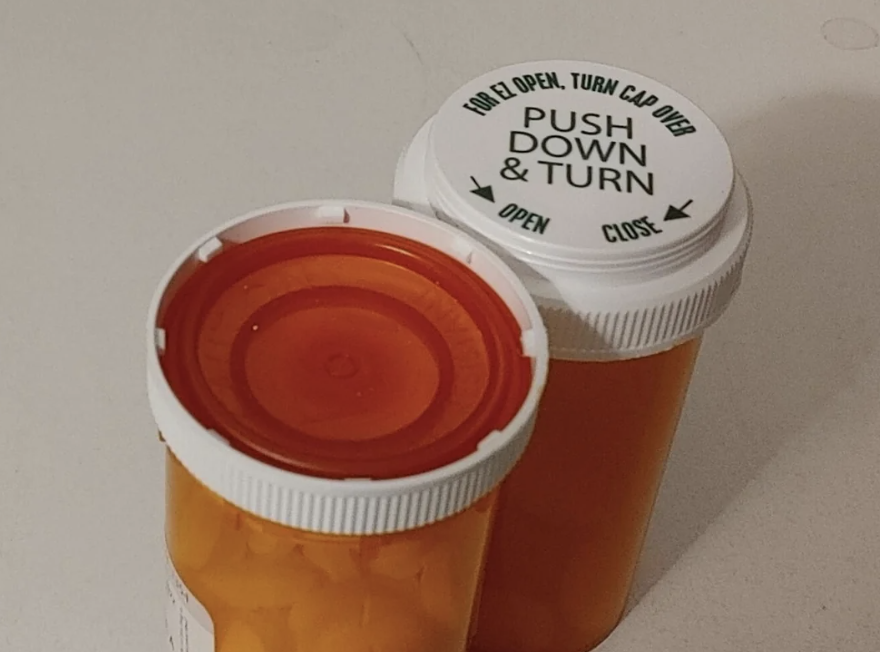
"Pharmacy tech here. If you look on your prescription label you might see a standalone 'S' or 'E' somewhere near the edge of the label (mine is next to the fill date). That stands for safety or easy-open. If you see that, it means your pharmacy uses prescription software that has settings that can be turned on/off so the pharmacy knows your cap preference. Ask for them to put easy-open caps as a preference on your profile so they know. We don't mind a bit!

If you don't see that, you can still ask and see if they'll put it on your profile. It just won't print on the labels, which means the tech may not remember to flip it. Either way it's worth a shot!"

"Can confirm this works on Samsung phones, too."

Follow these instructions in settings: Accessibility --> scroll down to "touch" --> scroll down to "back tap" and select what you'd like to set a double and a triple tap to do! For instance, I have double-tap set to take a screenshot, but you can also set it to do things like open the camera, mute your phone, or turn on the flashlight. Then, tap away at the back of your phone and see it in action!

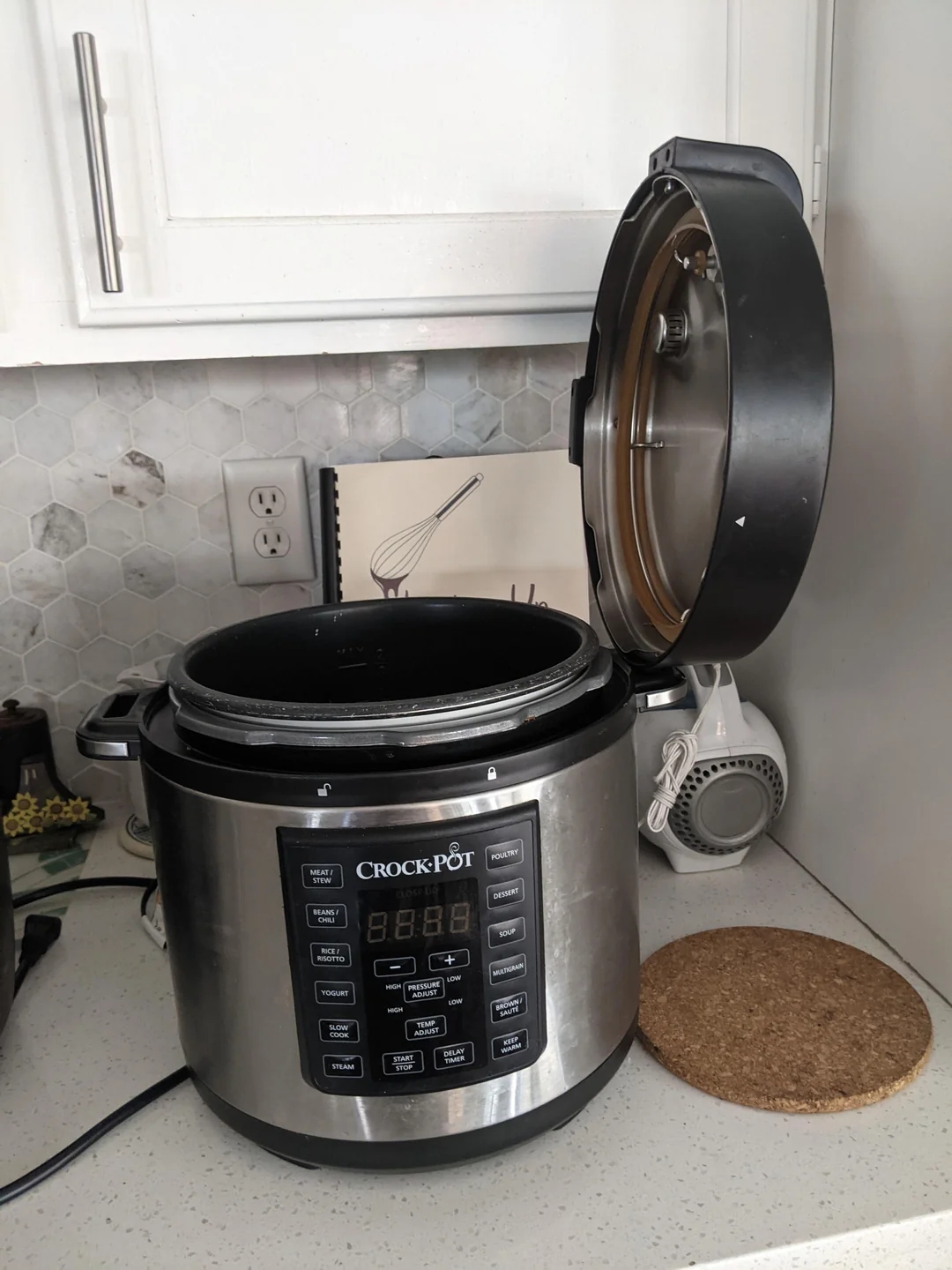
"Again, this is for ELECTRIC ranges. Do NOT do that to your gas range. It's not designed to do that, and you'll asphyxiate yourself."

You can watch a video tutorial of how to do it yourself here.

"I did this when we got to an empty train station in Latvia with a sign posted. We were connecting there and thought we were screwed. I translated the sign through the app, and it said, 'The station is not closed, just unmanned. Wait on the platform for the train to arrive and tell the conductor where you're going.' Without that function, I would've just been lost completely."

Note: Submissions have been edited for length and/or clarity.
Comments
You must be logged in to comment.